
Narrow the choice
Category and brand navigation help visitors move from a broad catalogue to relevant products.
Retail / Storefront + admin demo
A connected retail experience: a customer-facing product catalogue paired with an owner workspace for keeping the store up to date.
Visit live demo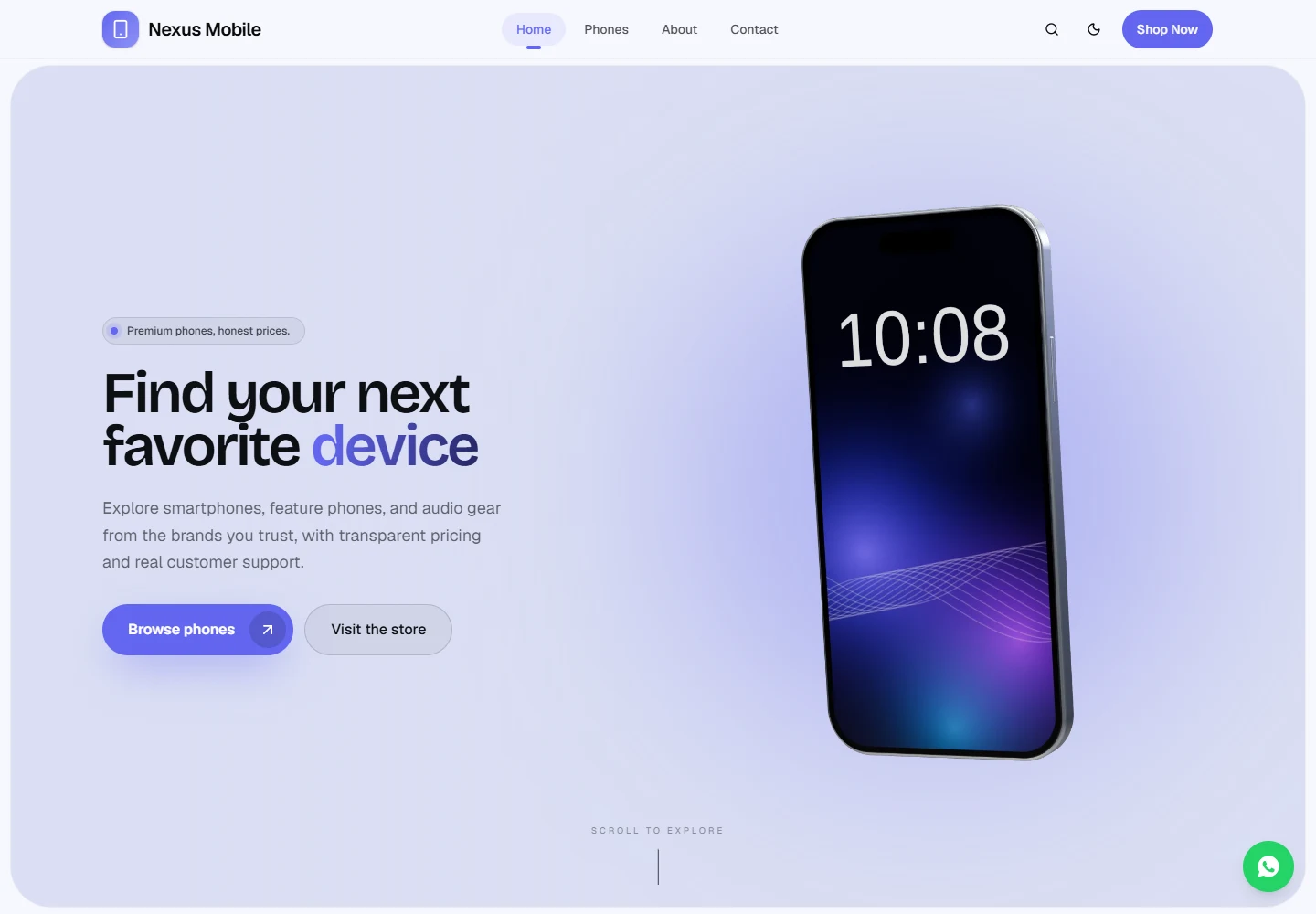
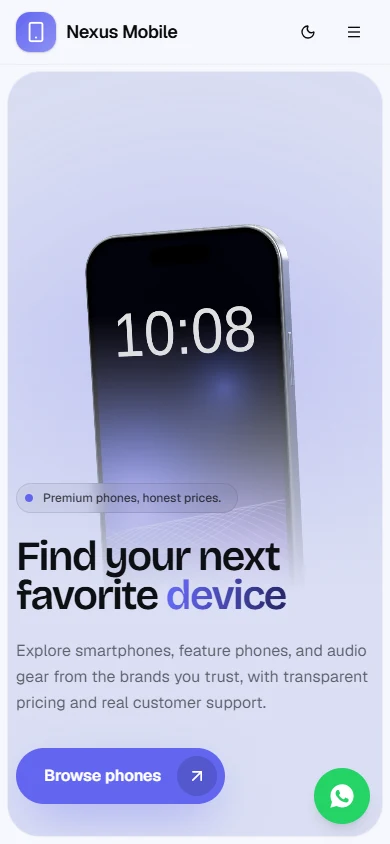
The concept
Nexus Mobile brings the customer website and business-owner admin panel into one system. Visitors browse and enquire about products; staff manage catalogue records, images, store details and homepage presentation through a separate workspace.
Customers exploring phones and accessories, and business owners managing the catalogue and store presentation behind the website.
Make product discovery approachable for customers while giving the business owner structured control of the catalogue and store information behind it.
Customers browse a clear product catalogue and enquire about items. The owner manages product details and the store presentation in a separate workspace, keeping the information customers see current.
The visitor journey
A professional public catalogue and a practical owner workspace are two sides of one retail experience. The owner can keep product and store information up to date for customers.
Category and brand navigation help visitors move from a broad catalogue to relevant products.
Product information, condition and availability labels provide context before an enquiry.
The owner workspace brings product updates, catalogue organisation and store details together in one place.
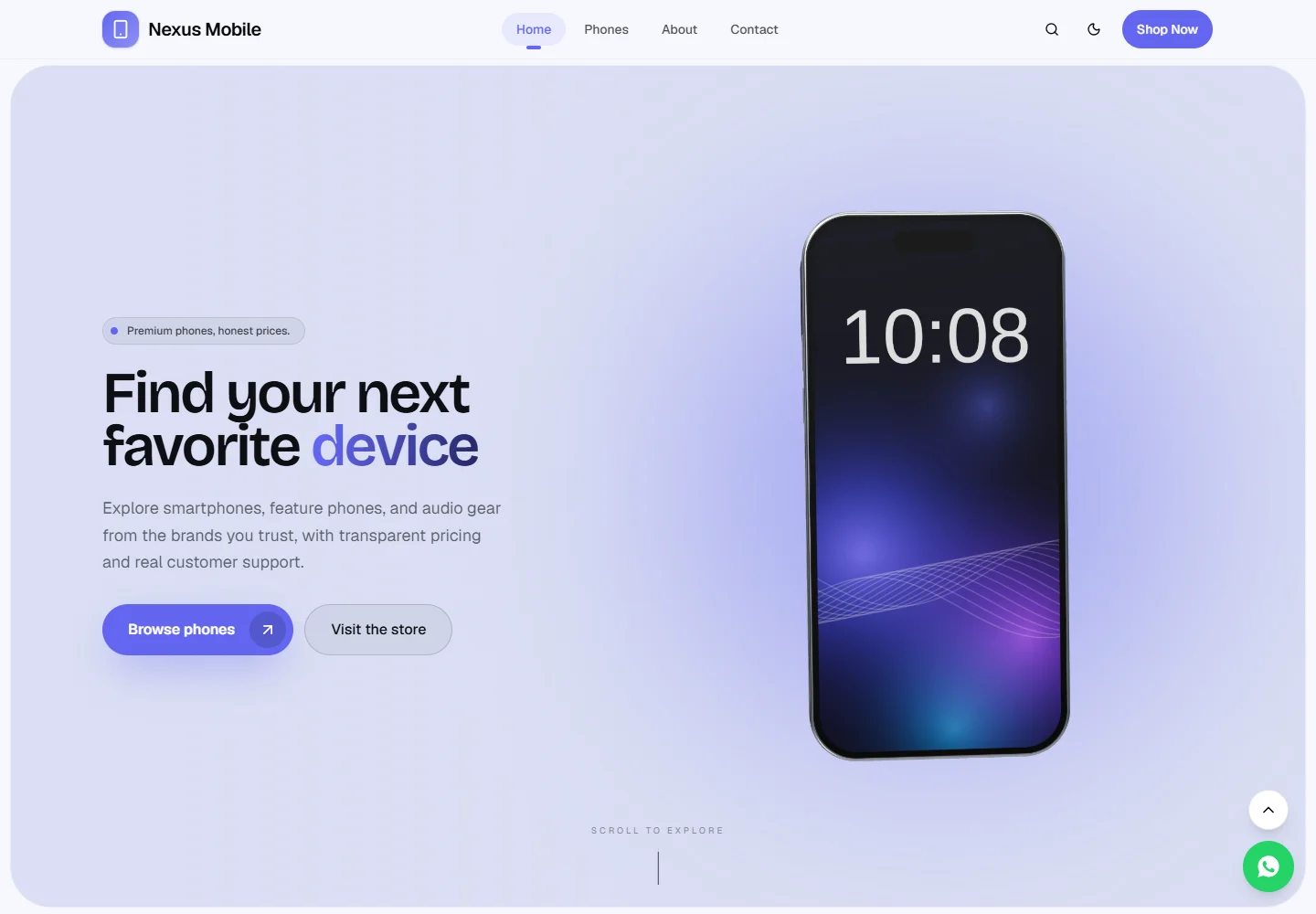
Designed for everyday decisions
Nexus Mobile brings the customer website and business-owner admin panel into one system. Visitors browse and enquire about products; staff manage catalogue records, images, store details and homepage presentation through a separate workspace.
Search, brand and category browsing, price, availability and condition filters help customers narrow a broad catalogue.
Image galleries, subcategory-specific specifications, related items and price/availability information support product exploration.
WhatsApp enquiries carry the selected product into the conversation, with phone and email contact options also available.
The owner can add, update and remove products, including images, specifications, prices, availability and condition.
The owner can update the shop’s branding, homepage, contact details, opening hours and social links.
Product groups and staff access can be organised to match how the shop manages its catalogue.
Product and store information managed in the owner workspace is presented in the customer-facing catalogue.
One system. Two working views.
The customer explores the products. The owner manages the records behind them. The catalogue reflects store and product information maintained by the owner.
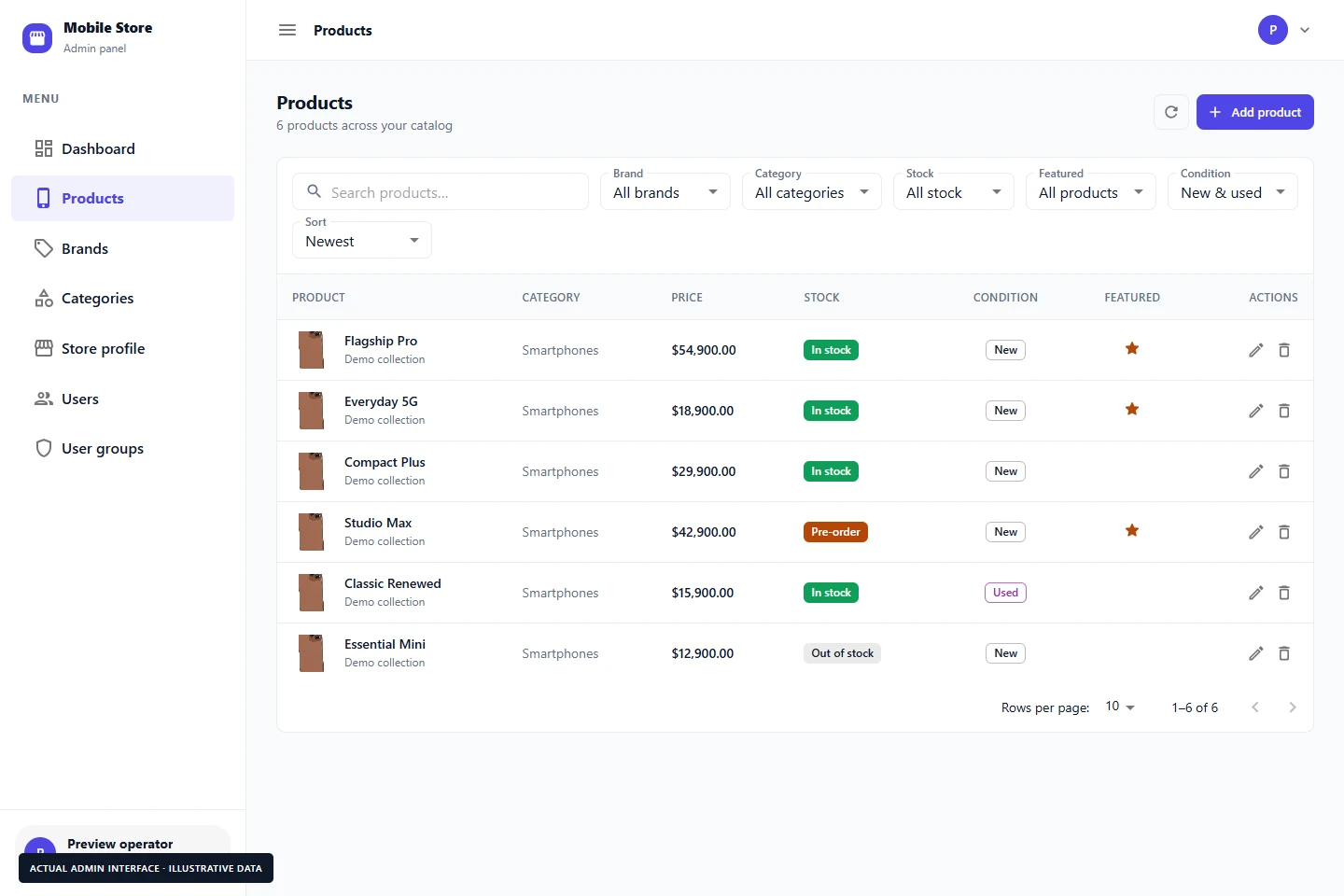
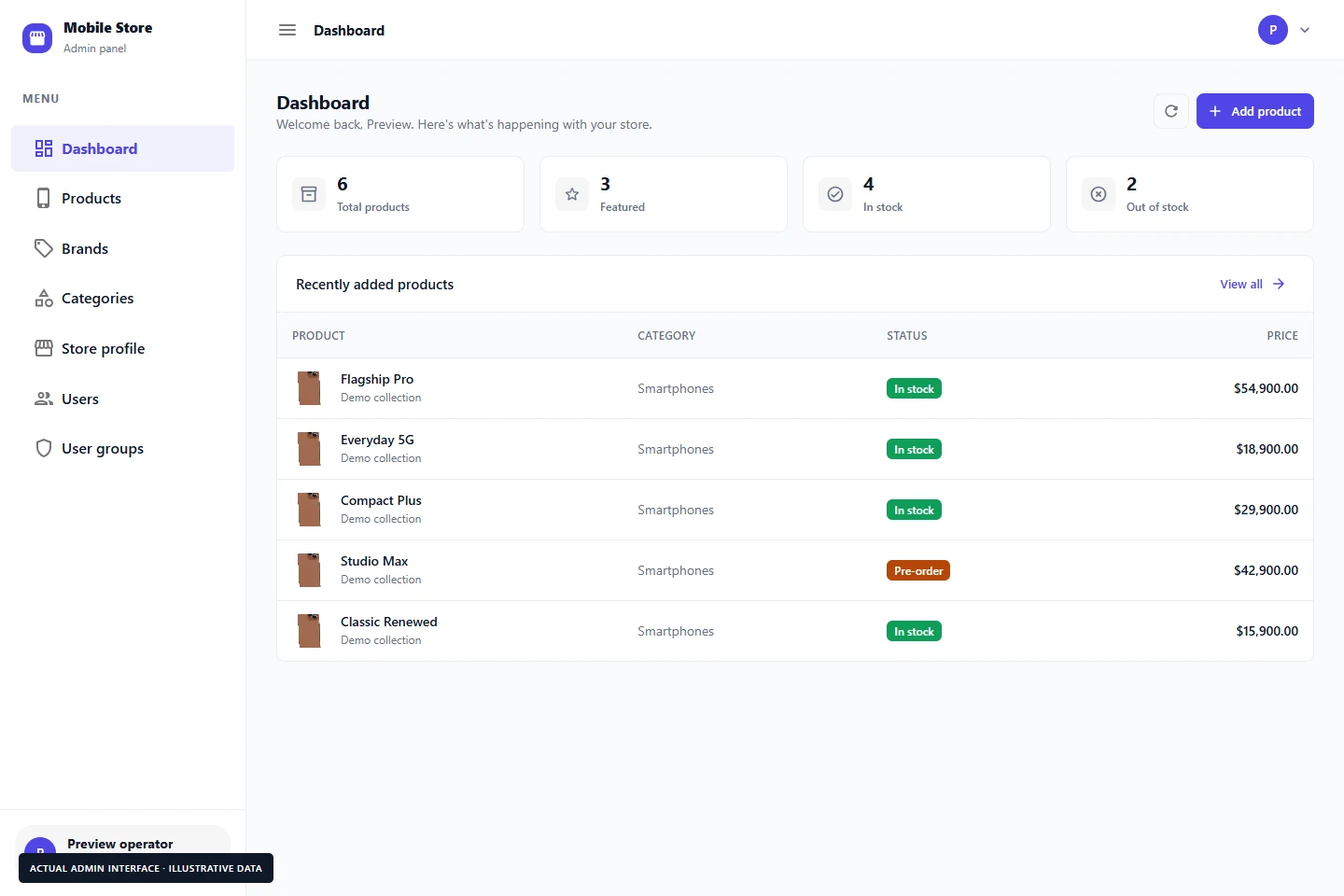
Actual admin interfaces captured from the source with illustrative data. No private admin link, real account or production database is exposed.
Create and edit products, define specifications, manage images and maintain stock labels.
Update contact details, opening hours, branding, hero content and homepage section order.
Session-based authentication and user-group rights support applicable management actions.
A closer look
1 / 6 — Desktop homepage
Storefront captures are from the public demo. Admin captures show the actual source interface with illustrative data in an isolated preview. No live database changes or sales results are implied.